

Multiple Face Swap for Group Photos
FacePika detects visible faces in supported group photos and lets you choose a source for each one before processing the result on your device.
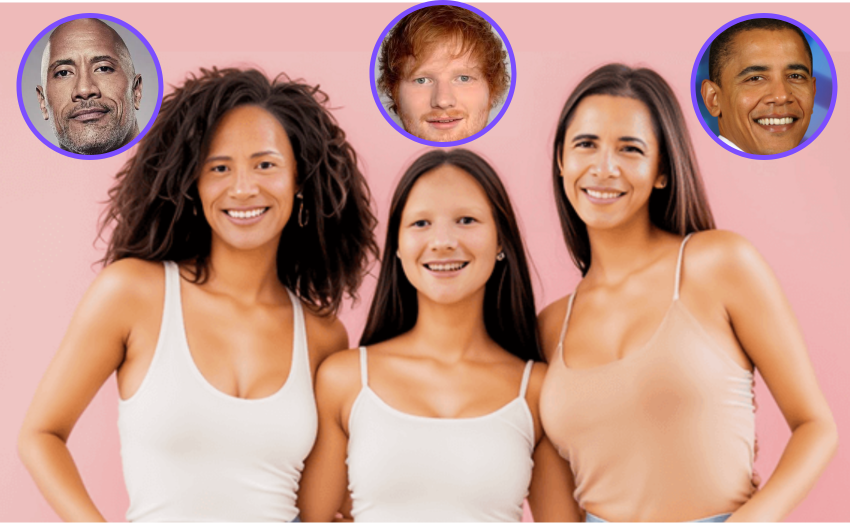
Individual Control for Detected Faces
Use a group photo from your device, review the faces FacePika can detect, and assign a source face to each person you want to change.
- Auto Multi-Face DetectionFacePika detects and highlights visible faces in the image. Detection depends on face size, angle, lighting, and occlusion.
- Private On-Device ProcessingThe core multi-face swap operation runs on your Android device. Supporting app functions still use the online services described in the Privacy Policy.
- Face-by-Face BlendingEach selected face is processed separately and blended into the group photo. Results vary with the source faces and target image.
How to Swap Multiple Faces in One Photo
Three simple steps to transform any group photo:
Multiple Face Swap — Frequently Asked Questions
Everything you need to know about swapping multiple faces with FacePika.
How many faces can FacePika detect and swap in one image?
FacePika attempts to detect visible faces in a supported image. The practical number depends on the image, face size, available memory, and device performance.
Can I assign a different replacement face to each person in the group?
Yes. After detection, you can select supported faces individually and assign a source face to each one you want to swap.
Does the quality drop when swapping multiple faces at once?
More faces require more processing, and quality can vary across a group photo. Face size, angle, lighting, occlusion, and source-face quality all affect the result.
How long does it take to process a group photo with multiple faces?
Processing time depends on the number of selected faces, image resolution, and your device. FacePika displays progress while it works.
What types of group photos work best for multiple face swap?
FacePika works great with all kinds of group photos — wedding shots, team photos, family portraits, party pictures, class photos, and selfies with friends. For best results, use well-lit photos where faces are clearly visible and not heavily occluded.
Explore Our AI Tools
Discover more powerful face swap features powered by FacePika's AI technology.

Photo Face Swap
Create face swaps in supported photos with automatic detection and alignment.
Video Face Swap
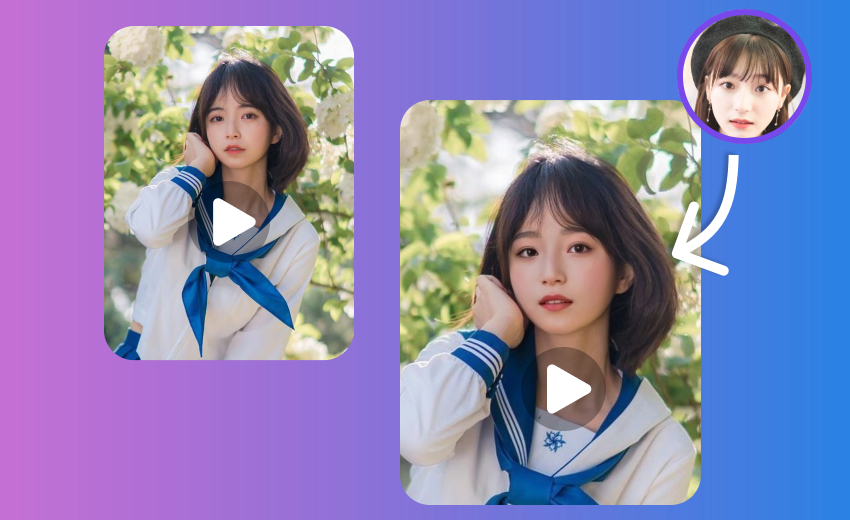
Create video face swaps with an in-app progress preview.

Movie Face Swap
Star in iconic movie scenes with celebrity face swap.

Meme Face Swap
Create hilarious memes with face swap in seconds.
AI Face Swap
Advanced deep learning technology for realistic face swap.
Create a Multiple-Face Group Photo
Download FacePika to assign and swap multiple detected faces in supported group photos on Android.