

Create Photo Face Swaps on Android
Choose a supported image and a source face, then let FacePika detect, align, and blend the result on your Android device.

A Simple Photo Face-Swap Workflow
FacePika handles face detection, alignment, and blending for playful photo edits. Results vary with pose, lighting, image clarity, and the faces you select.
- One-Tap Photo Face SwapSelect a supported photo from your device. FacePika detects visible faces and handles alignment without manual cropping.
- On-Device Face SwapThe core photo face-swap operation runs on your device. Online services are still used for supporting app functions described in the Privacy Policy.
- Saveable ResultsReview the finished image, save it to your device, or share it through a supported Android app.
How to Face Swap in Photos
Create a photo face swap in three steps:
Frequently Asked Questions About Photo Face Swap
Everything you need to know about swapping faces in photos with FacePika.
What image formats does FacePika support for face swap photos?
FacePika accepts image files exposed by Android's gallery or file picker. Availability can vary by device and Android version; if a file cannot be opened, try a standard JPG or PNG image.
What affects the output quality?
Output depends on the source image, device resources, face angle, lighting, and visibility. Processing and saving may change image encoding, so an exact match to the original file is not guaranteed.
How does FacePika handle different skin tones in photo face swaps?
Our AI analyzes the lighting, color temperature, and skin tone of both the source and target photos. It automatically adjusts the swapped face to match the surrounding skin tone, lighting conditions, and color grading for a natural, seamless blend.
Can I swap multiple people in one group photo?
FacePika supports assigning source faces to multiple detected people in supported group photos. This is different from processing a batch of separate photos at once.
Are my photos uploaded to any server during the face swap?
The core photo face-swap operation runs on your device. FacePika also connects to online services for templates, required resources, updates, accounts, credits, payments, subscriptions, and analytics; see the Privacy Policy for details.
Explore Our AI Tools
Discover more powerful face swap features powered by FacePika's AI technology.
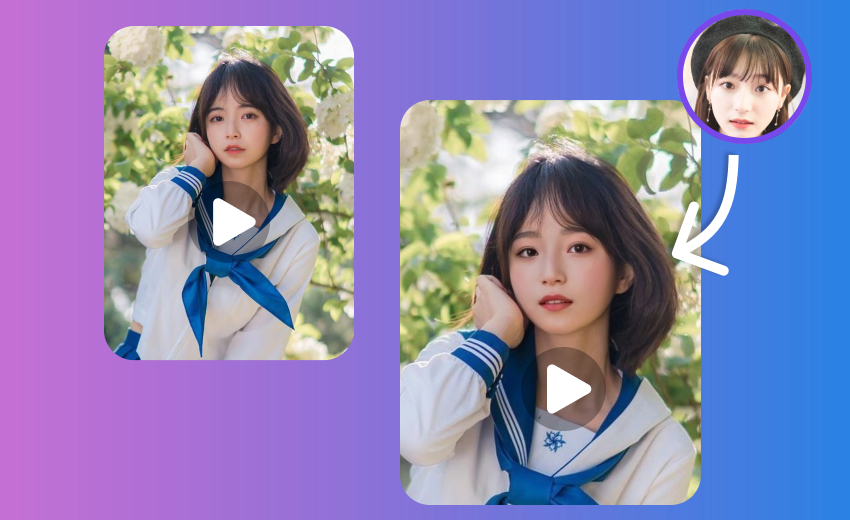
Video Face Swap
Create video face swaps with an in-app progress preview.
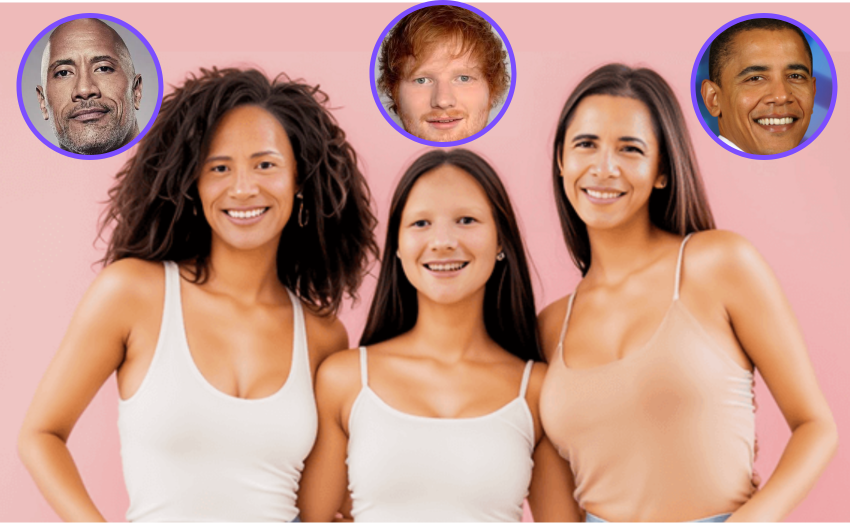
Multiple Face Swap
Swap multiple faces in group photos at once.

Movie Face Swap
Star in iconic movie scenes with celebrity face swap.

Meme Face Swap
Create hilarious memes with face swap in seconds.

AI Face Swap
Advanced deep learning technology for realistic face swap.
Start Swapping Faces in Your Photos Today
Download FacePika to create photo face swaps on Android with automatic face detection and on-device processing.