
Gender Face Swap on Android
Pick a character or style template that is currently in FacePika, add a clear photo of your face, and create the swap on your Android phone.
Template availability changes. Results vary with the source photo, angle, and template.

Swap Into a Character or Style Template
Gender face swap in FacePika uses a template that is already in the app. You choose that look, then the app aligns your face with it on the device. It does not edit an arbitrary photo of another person into a different gender.
How to Try a Gender Face Swap
Use a template that is in the FacePika Android app:
- 1
Pick a Template
Browse the character and style templates currently available and select one.
- 2
Add Your Face
Choose a clear photo of a face you have permission to use. FacePika detects the face and aligns it with the template.
- 3
Save the Result
Review the image on your phone, then save it or share it through an Android app you choose.
Gender Face Swap Questions
What the Android template workflow does, and what it does not do.
What is a gender face swap in FacePika?
It places your selected face into a character or style template from the app. The available templates are what you can use. FacePika does not offer a control to rewrite any photo of any person.
Which templates can I use?
Only templates currently shown in the app. They can be added or removed. Open the app to see the current set.
Do I need a photo or a video?
Start with a clear, front-facing photo as the source face. The template itself is the look you are swapping into.
Does the swap run on my phone?
The core face swap runs on your Android device. Downloading templates, signing in, and payments still need a connection.
Whose face can I use?
Use a face you own or have permission to use. You are responsible for consent, rights, and how you share the result.
Explora nuestras herramientas de IA
Descubra funciones de intercambio de caras más potentes impulsadas por la tecnología de inteligencia artificial de FacePika.

Intercambio de caras de fotos
La calidad del resultado depende del contenido de origen, la iluminación, el ángulo y la visibilidad de la cara, los recursos del dispositivo y la compatibilidad del formato.
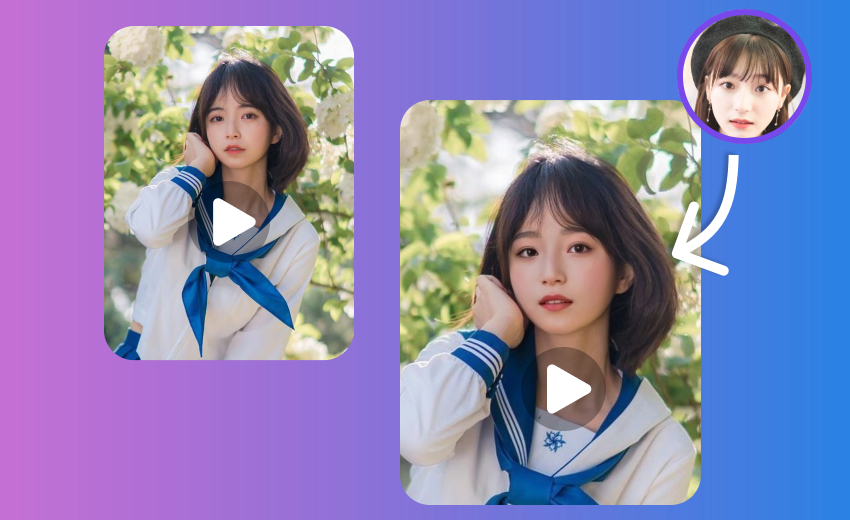
Intercambio de caras de vídeo
El tiempo de procesamiento y los resultados varían según el dispositivo, la duración y resolución del contenido, el formato y el número de caras.
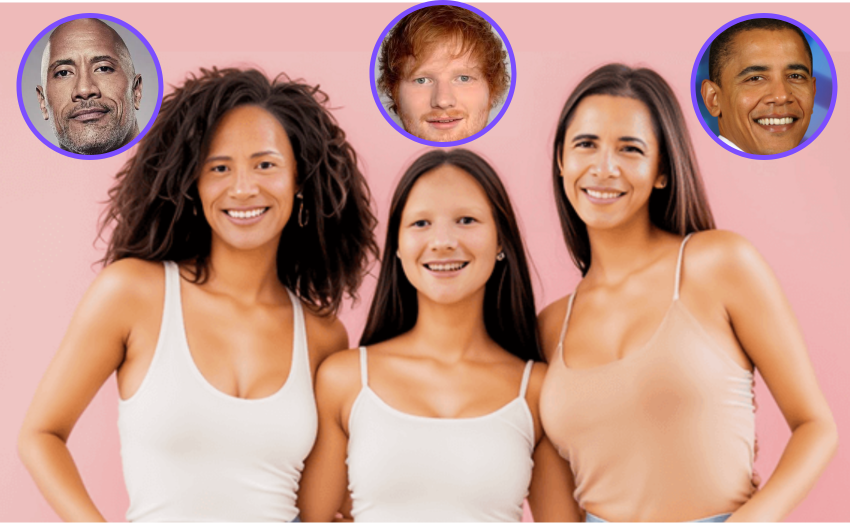
Intercambio de múltiples caras
El número práctico de caras depende de la imagen, el tamaño de las caras, la memoria disponible y el rendimiento del dispositivo.

Cambio de cara de película
Consulta las plantillas disponibles actualmente en la aplicación. La disponibilidad y los requisitos de acceso pueden cambiar.

face swap meme
Consulta las plantillas disponibles actualmente en la aplicación. La disponibilidad y los requisitos de acceso pueden cambiar.
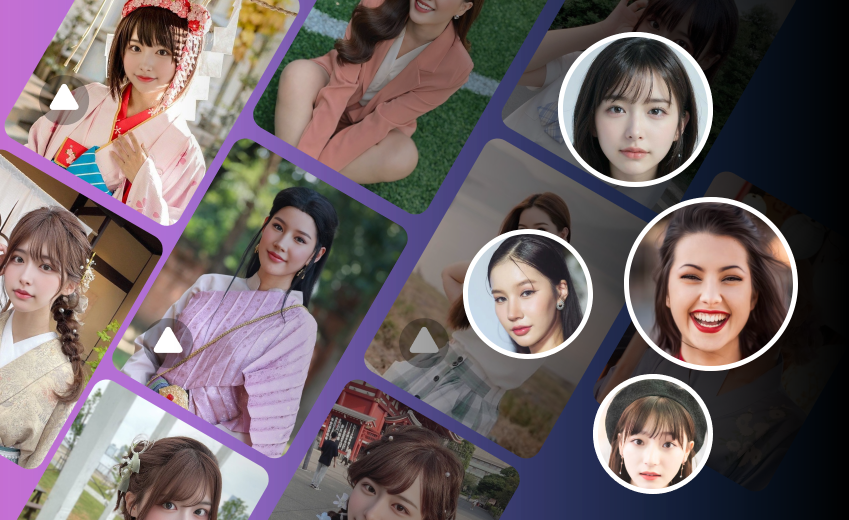
intercambio de caras con IA
FacePika es una aplicación para Android que crea face swaps en fotos y vídeos compatibles. El procesamiento principal se realiza en tu dispositivo.
Try a Template on Your Android Phone
Download FacePika to use the character and style templates currently in the app.